

Quick answer: do you need a harmonium app?
Choose a native harmonium app when you mainly practice on a phone, need a dedicated touch layout, or have a specific app feature that you use repeatedly. Choose a browser tool when you want no installation, quick access on a laptop, QWERTY keys, or optional MIDI input.
Neither option replaces a physical harmonium. Apps and browser tools are useful for pitch, note order, song-note checks, and short drills; a real instrument is still better for bellows control, air pressure, mechanical key feel, and expressive practice.
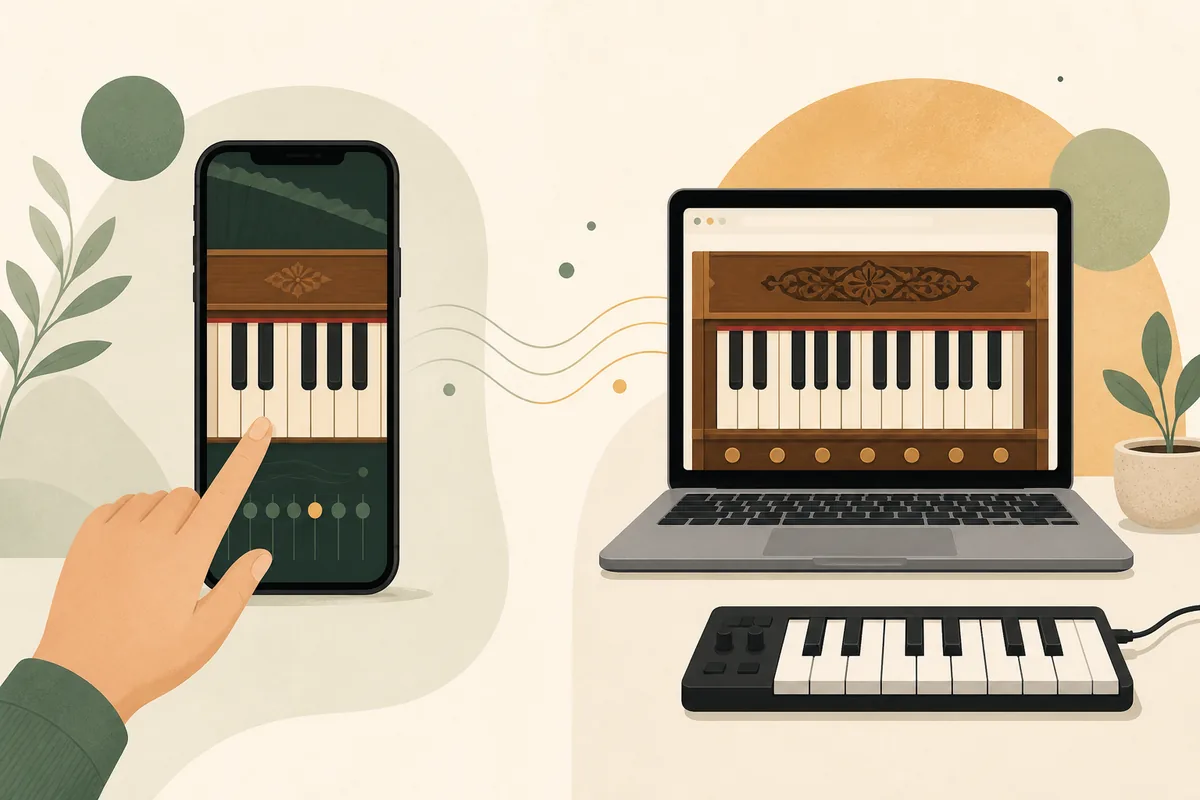
The phrase harmonium app can describe several different products: a phone app with a virtual keyboard, a desktop program, a browser-based instrument, or even a controller and sound setup. Before comparing names, decide whether your priority is portability, offline access, fast practice, MIDI, or a realistic physical technique.
On Web Harmonium, you can open the online harmonium immediately and test touch, laptop keys, transpose, octave, reverb, and MIDI support where the browser allows it. That makes the page a useful comparison point, not a claim that every browser behaves like a native app.
Harmonium app vs online harmonium: practical differences
A good comparison starts with the action you want to take. If you need to play one phrase while traveling, a phone app may be the most convenient. If you are checking notes beside a laptop, a browser tool avoids installation and keeps the practice reference close to your sheet music. If you need bellows response and touch resistance, choose a physical harmonium instead.
The table is a decision aid rather than a ranking. Feature names and audio quality vary between apps, browsers, phones, and computers, so test the exact device you plan to use before building a long routine around it.
| Practice need | Phone harmonium app | Browser harmonium | Physical harmonium |
|---|---|---|---|
| Fast start | Open the installed app | Open a page and interact once | Set up the instrument and bellows |
| Touch practice | Usually designed for a small screen | Works when the page has responsive keys | Best mechanical key feedback |
| Laptop keyboard | May not support desktop keys | QWERTY mapping can be practical | Not applicable |
| MIDI | Depends on the app and operating system | Depends on browser Web MIDI support | Use a MIDI pickup or separate interface if available |
| Offline use | Possible if the app stores its assets | Depends on cache and connection | Works without software or network |
| Bellows and air control | Cannot reproduce the physical feel | Cannot reproduce the physical feel | The correct choice for technique |
| Privacy and permissions | Review the app store and device permissions | Review browser permissions and third-party scripts | No app permission layer |
Features to check before choosing a harmonium app
Do not choose an app because its store title contains every possible keyword. Check the feature that affects your actual practice: can you reach the notes comfortably, set the root, hear a stable tone, and repeat a phrase without fighting the interface? A simple app that behaves predictably can be more useful than a crowded app with controls you never touch.
For a browser tool, the same questions apply. The difference is that the tool may be easier to open across devices but more dependent on browser audio, permissions, network access, and screen size. Treat those dependencies as part of the comparison.
| Feature | Why it matters | What to test |
|---|---|---|
| Touch layout | Small targets make repeated phrases tiring | Play Sa Re Ga Ma on the exact phone or tablet |
| QWERTY mapping | Laptop practice is faster when keys are predictable | Check whether the visible labels match the playable range |
| Transpose and octave | Singers need a comfortable pitch center | Move the root and confirm the note relationship stays clear |
| MIDI input | A controller can improve timing and hand comfort | Connect the device and verify permission before planning a session |
| Offline behavior | Travel practice may not have a reliable connection | Test a saved or installed version before leaving home |
| Privacy and ads | Permissions and interruptions affect trust and focus | Read the listing, browser permission prompts, and visible data claims |
| Latency | Delayed sound can teach inaccurate timing | Play a repeated note and listen for response before using fast phrases |
When an online harmonium is the better choice
A browser-based online harmonium is often the better first step when you want to practice now rather than compare downloads. It is useful for a quick Sa reference, a short sargam loop, checking a song-note phrase, or demonstrating a pitch to a student on a shared laptop. You can also switch between touch and keyboard input without maintaining another installed program.
Use the laptop harmonium guide when your main question is QWERTY setup, browser audio, or MIDI troubleshooting. If you are still learning note names, the beginner harmonium notes guide gives you a cleaner starting map before you judge an app by sound alone.
The browser option is not automatically better. A native app may be more comfortable on a particular phone, may offer a tested offline mode, or may have a sound library that fits your style. The useful test is whether the tool removes friction from the next practice session.
A browser harmonium is a practice reference, not a guarantee of professional tuning, low latency, or identical sound on every device.
If an app promises a download, subscription, or advanced MIDI workflow, verify the current listing and permissions yourself instead of relying on a generic comparison headline.
A 10-minute harmonium app or browser practice routine
The best app is the one that helps you repeat a small musical task. Use the same short routine on a native app, browser tool, or physical instrument so you can judge the practice result rather than the novelty of the interface.
If you need a first-session foundation, read how to play harmonium for posture, note order, and beginner habits. Then use the routine below to compare the app and browser versions on the same phrase.
-
1
Pick one goal
Choose a scale, a two-bar melody, or a singer's starting pitch. Do not test every control at once.
-
2
Set the root
Choose Sa or the equivalent root, keep the volume moderate, and confirm that the first note is comfortable.
-
3
Play slowly
Repeat Sa Re Ga Ma or one song phrase three times with even spacing. Notice latency before increasing speed.
-
4
Change one input
Move from touch to QWERTY or MIDI if available. A useful harmonium app should make the same musical task clearer, not more confusing.
-
5
Write one observation
Record whether the tool helped with pitch, timing, portability, or note reading. That is more useful than a long feature list.
What a harmonium app cannot replace
Virtual instruments are valuable because they reduce setup time, but they simplify the instrument. A phone app and a browser tool usually cannot reproduce the resistance of keys, the coordination of bellows and melody, air-pressure changes, or the expressive decisions that come from playing a real harmonium.
Audio also depends on the device. Phone speakers, laptop speakers, headphones, browser scheduling, MIDI drivers, and background load can all change the result. When an app or online harmonium sounds delayed or thin, check the device before concluding that your note choice is wrong.
For instrument history, parts, reeds, and the difference between a physical harmonium and a digital substitute, see the harmonium instrument guide. Use virtual practice to prepare, then confirm touch and expression on a physical instrument when you can.
Choose by practice situation, not by app label
The word app does not tell you whether a tool is right for your routine. Match the format to the situation below, then test one short phrase before paying for extra sounds or committing to a long subscription.
If your goal is song-note practice, pair the tool with a clear notation workflow. The Web Harmonium notes for songs guide explains how to choose Sa, map a phrase, and avoid treating an unverified note string as a finished arrangement.
| Situation | Best starting point | Reason |
|---|---|---|
| Five-minute phone practice | A responsive native app or mobile browser | Portability matters more than a large control panel |
| Laptop note checking | Browser harmonium with QWERTY labels | No installation and quick side-by-side reference |
| Controller practice | Browser or app with confirmed MIDI support | The input path matters more than the label |
| Learning Sa Re Ga Ma | Simple virtual tool plus a notes guide | Clear note relationships beat extra sound effects |
| Bellows and accompaniment technique | Physical harmonium with instruction | The key skills are mechanical and expressive |
| Offline travel | A tested installed app or physical instrument | Do not assume a web page is available without a connection |
Harmonium app FAQ
What is the best harmonium app for beginners?
There is no universal best app. Start with the tool that gives you clear keys, a stable root, comfortable input, and a short practice path on your device. Compare a native app with the free online harmonium before paying for features you may not use.
Is an online harmonium the same as a harmonium app?
They can offer similar virtual keys, but an online harmonium runs in a browser while a native app is installed on a device. Their offline behavior, permissions, input support, latency, and sound can differ.
Can I use a harmonium app on a laptop or PC?
Some apps support desktop systems, while others are designed for phones. A browser tool is often the simplest laptop option because it can expose QWERTY keys and may support MIDI through the browser. See the laptop guide for setup details.
What are the best virtual online accordion harmonium apps?
Treat that question as a comparison task rather than a fixed ranking. Check touch layout, transpose, octave range, MIDI, offline behavior, privacy, and latency, then test one short phrase on the exact phone or computer you will use.
Can a digital harmonium replace a physical harmonium?
It can replace some pitch and note-checking tasks, but not bellows coordination, air pressure, key resistance, or the full expressive feel of a physical instrument. Use digital practice as preparation and confirm technique on a real harmonium when possible.
Compare the browser option now
Open Web Harmonium, play one short Sa Re Ga Ma phrase, and decide whether a native harmonium app adds something your current practice actually needs.
Open Web Harmonium